


Professional Call Flow
Greet callers with a polished auto attendant, route departments properly, and reduce missed calls.
Professional call routing, desk phones, cordless handsets, voicemail-to-email, and clean user management—powered by a local UniFi Console and planned around your front desk, departments, and after-hours coverage.
A modern phone system gives your team a more professional call experience, better routing, easier administration, and more flexibility than old phone lines or unmanaged phones.
Greet callers with a polished auto attendant, route departments properly, and reduce missed calls.
Support desk phones, cordless phones, mobile apps, softphones, and remote workers with one system.
Manage extensions, ring groups, voicemail, call forwarding, and business hours from an organized platform.
Review call activity, active calls, missed calls, and voicemail behavior so the business can respond faster.
Horizon can plan the phone system, network readiness, device selection, number porting, call routing, and user training so the deployment feels organized from day one.
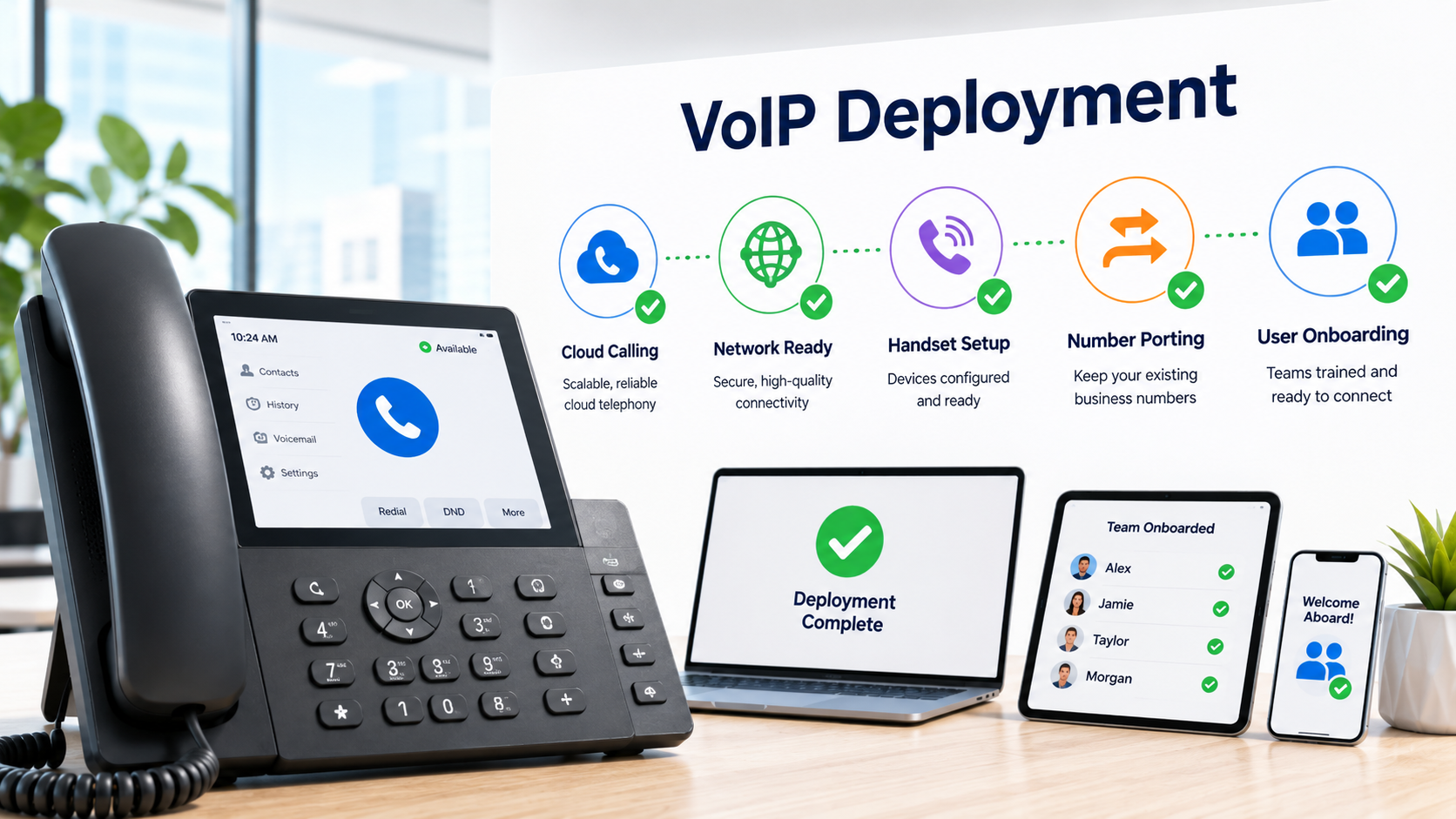
Run the phone system from a UniFi Console or Cloud Gateway, alongside network, security, access control, and site management.
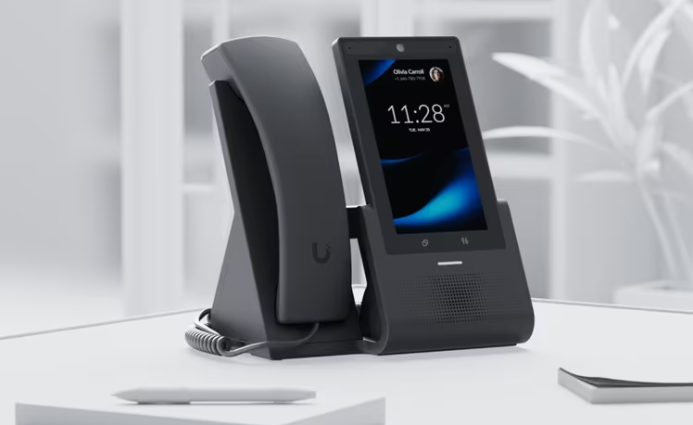
Deploy desk phones, wireless handsets, reception phones, shared-area phones, and remote-user options.
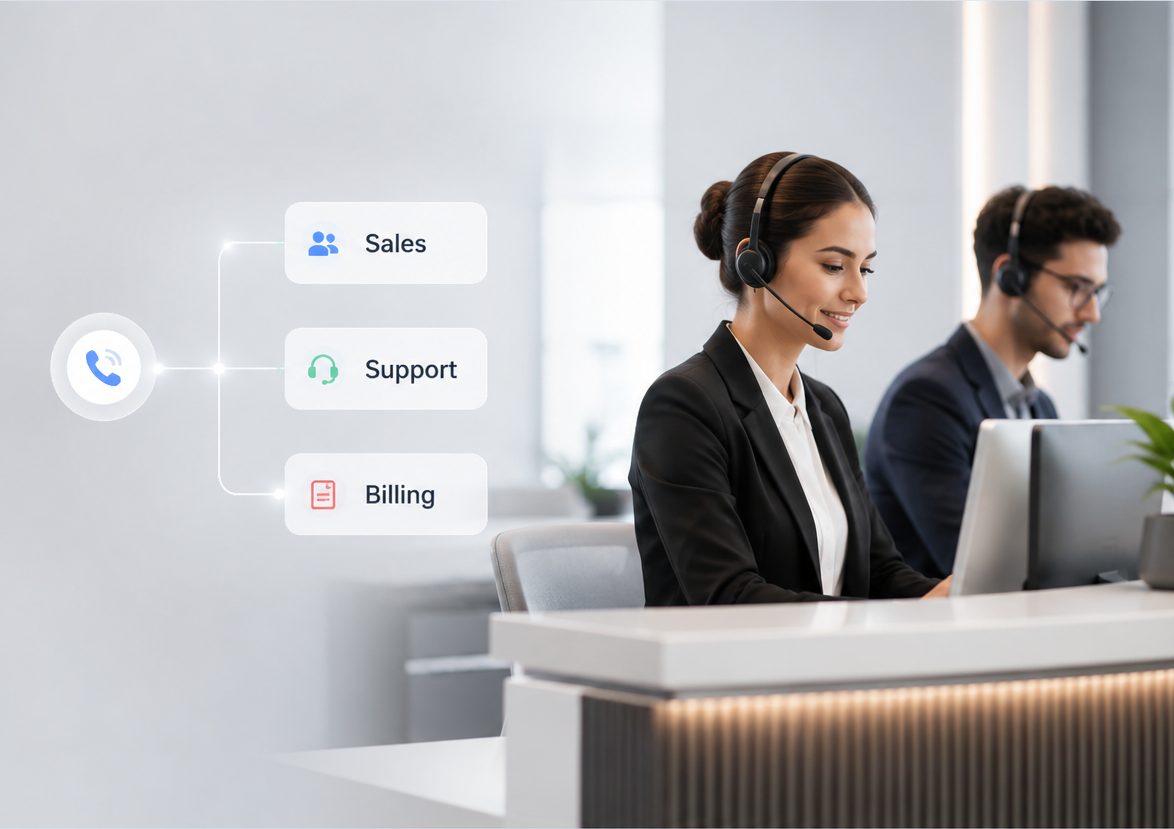
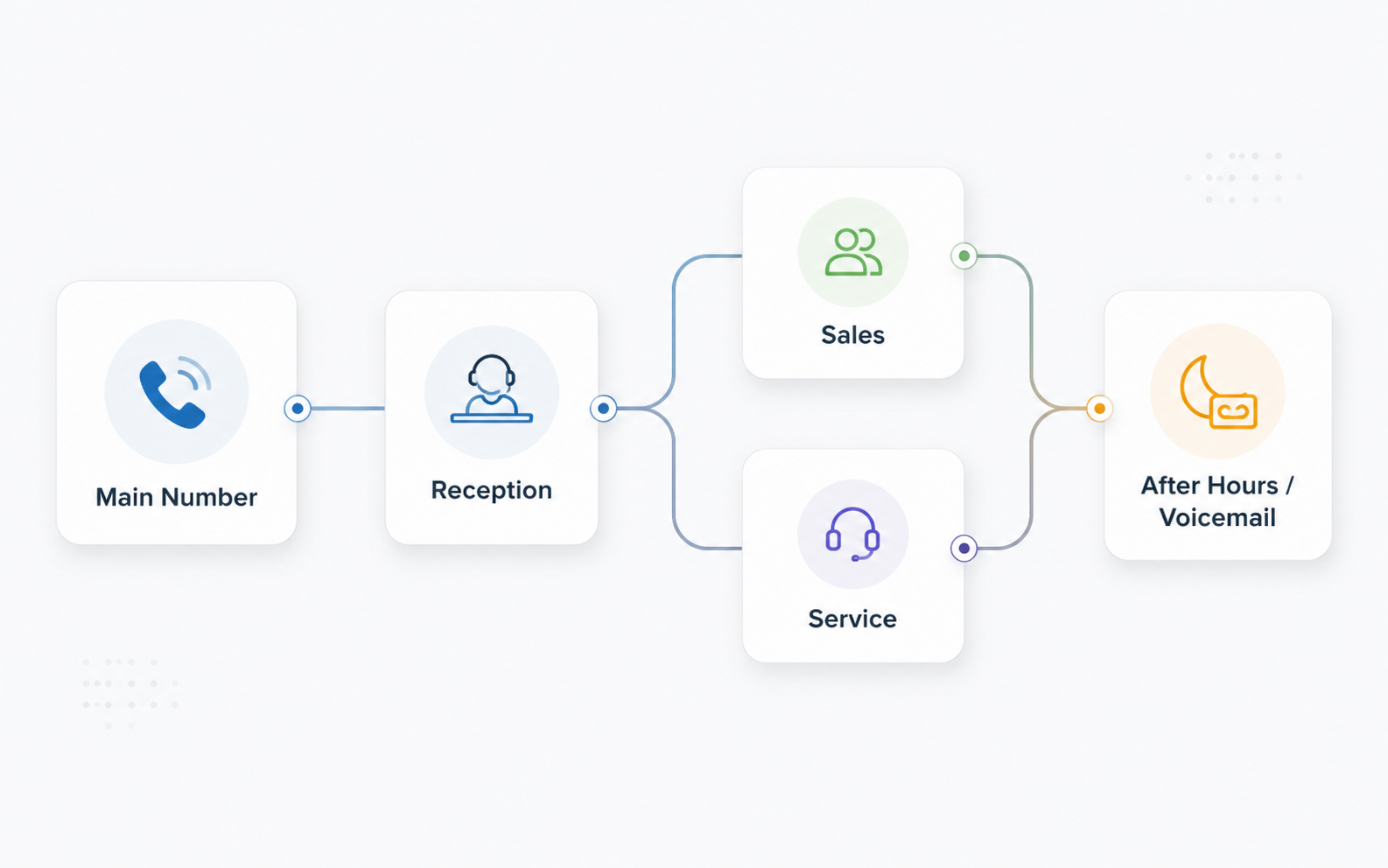
Direct callers to the right department with smart attendants, menus, ring groups, queues, schedules, holidays, and overflow rules.
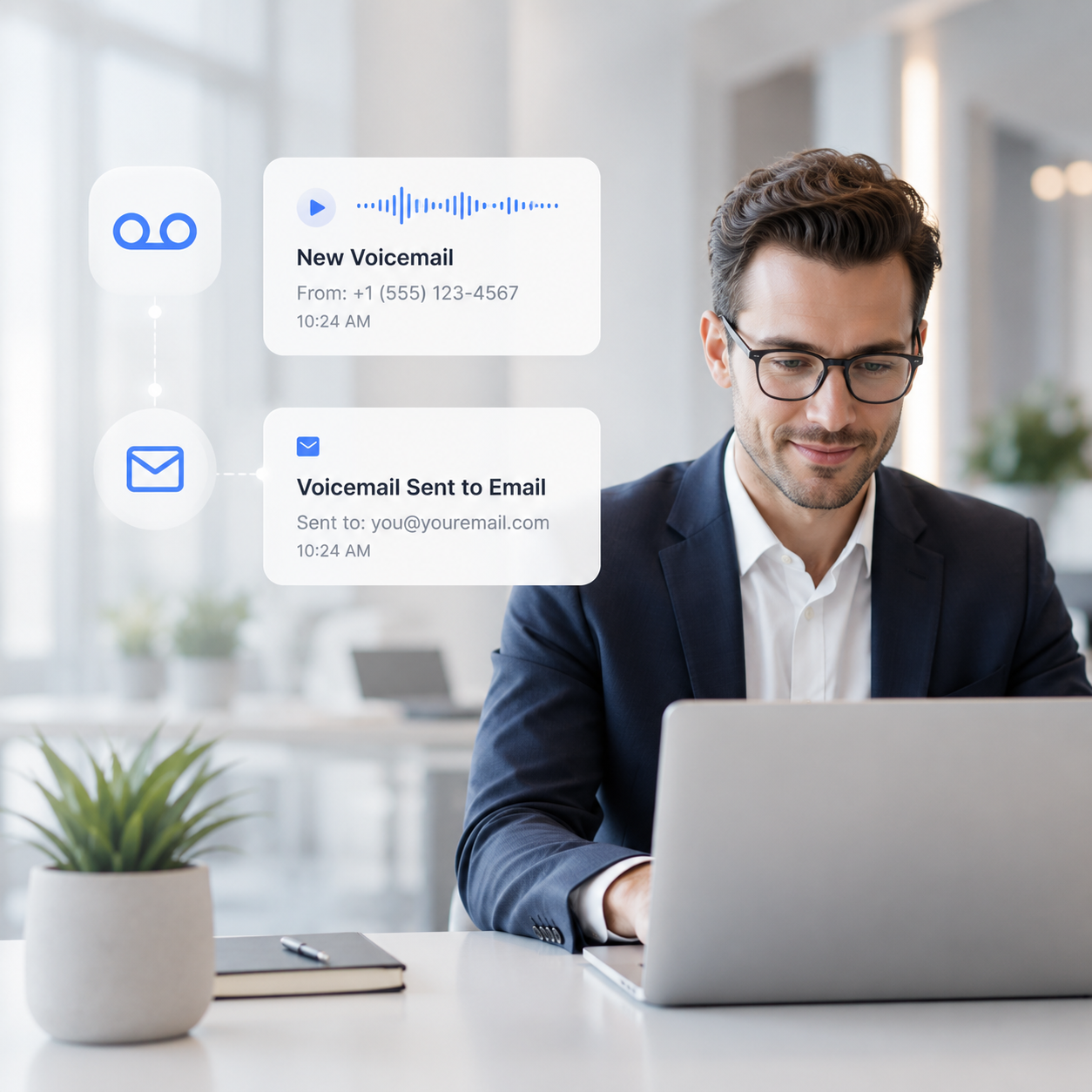
Let users receive voicemail notifications and audio files by email for faster response, easier tracking, and fewer missed leads.
Before equipment is selected, Horizon maps how calls should move through reception, departments, after-hours coverage, emergency contacts, and remote users.
Select a preview below to switch the main player.
A modern business phone experience managed by the UniFi Console, with call handling, desk and cordless phones, voicemail delivery, and organized administration in one platform.
Horizon plans the phone system around current numbers, staff, call flow, internet connection, network equipment, cabling, carrier services, legacy equipment, and growth plans.
Document how calls arrive today, who answers them, and what needs to improve.
Define extensions, phone models, ring groups, menus, voicemail, schedules, and failover behavior.
Review switching, PoE, VLANs, internet reliability, and cabling before phones are installed.
Keep your existing business numbers whenever porting is available, with temporary routing and cutover planning designed to reduce disruption.
Install phones, configure users, test inbound/outbound calling, voicemail, transfers, and after-hours rules.
Show users how to transfer calls, check voicemail, use features, and request future changes.
A managed VoIP phone system is a strong fit for businesses that want a professional voice experience without complicated legacy equipment.
Give reception, managers, sales, and service staff a consistent phone experience with direct extensions.
Route appointments, billing, after-hours calls, and voicemail cleanly across the front desk and staff.
Keep calls organized between customer service, dispatch, sales, and management.
Combine desk phones, cordless phones, paging options, and reliable PoE infrastructure.
Use extensions and shared call routing across more than one office or property.
Let selected users work from a mobile app or softphone while keeping the business number consistent.
Local Planning & InstallationDesigned around your office, users, and network.
Number Porting AssistanceCoordinated migration of existing business numbers.
User Training IncludedPractical guidance for everyday calling and voicemail.
Ongoing Technical SupportHelp with changes, troubleshooting, and future growth.
Horizon has supported business telephone systems for years. We can help companies move to a newer VoIP platform, while still supporting existing equipment when a full replacement is not the right next step.
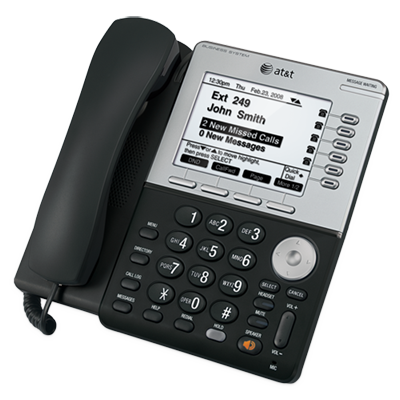
For businesses still using legacy desk phones, key systems, analog lines, or older PBX equipment, Horizon can review the current setup, document call flow, troubleshoot issues, and recommend a practical upgrade path.
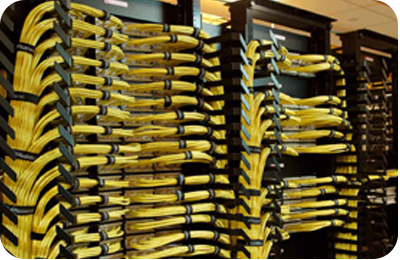
Clean cabling, patch panels, racks, terminations, wall plates, and cable management for phones, computers, access points, and network devices.

Voice quality depends on the network. Horizon can review switches, VLANs, PoE, internet service, firewall rules, and remote-office needs before deployment.
We’ll review your current phones, call flow, users, business numbers, and network before recommending a system.